Study Hall Link Setup
Step 1: Click Here to join our workspace
Step 2: Create your account:
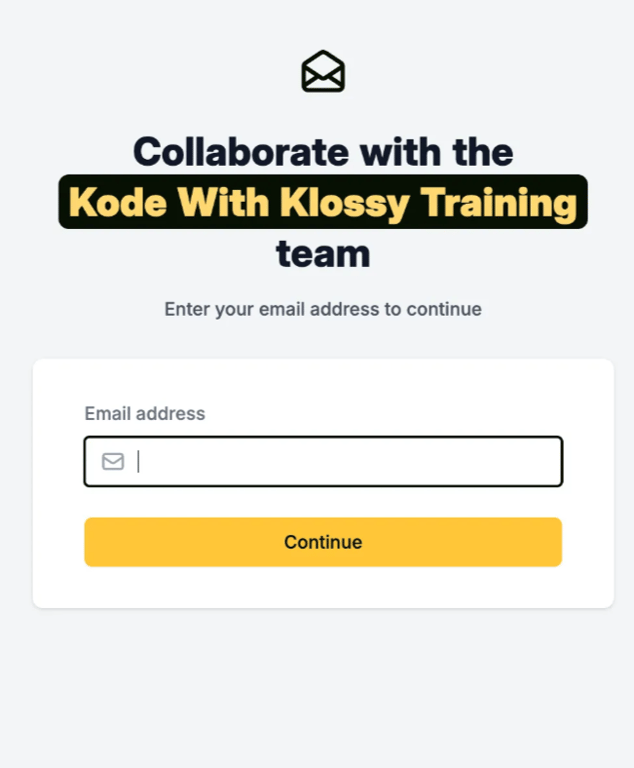 Enter your email address (Gmail preferred)
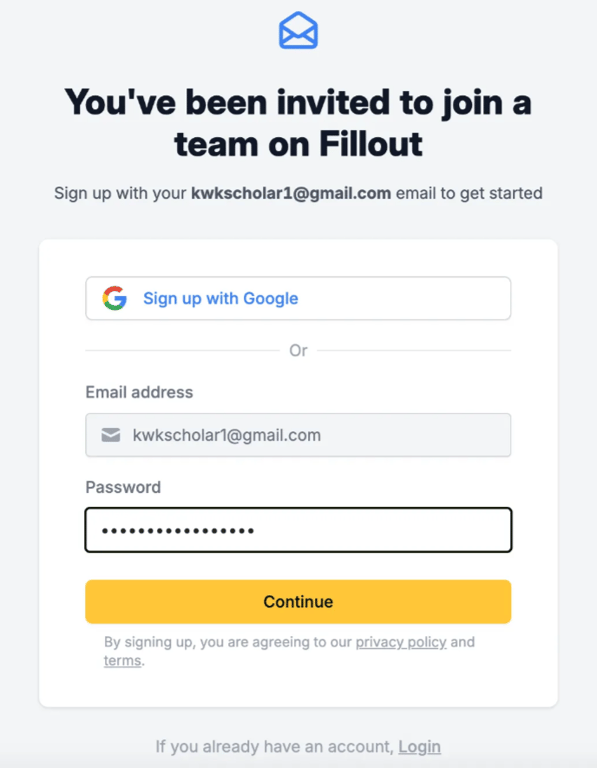 Create a password or select
 Sign up with Google (preferred)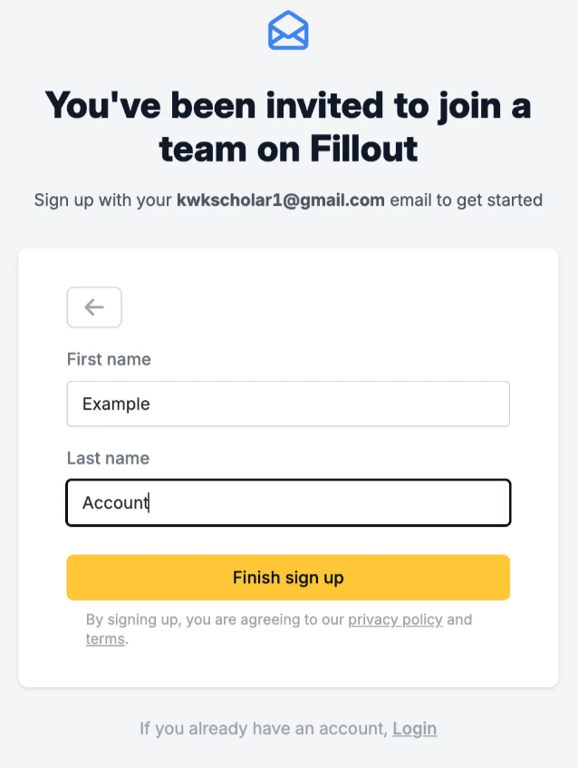 Enter your first and last name
Step 3: Create your scheduling link:
Click View in Zoom Clips or the 🔗 link icon to open in a new window and access the transcript, chapters, and moreStep 4: Put your scheduling link in your cohort’s Slack channel
 Navigate to your channel and add the link as a bookmark!
Step 5: Wait and keep an eye on your inbox!
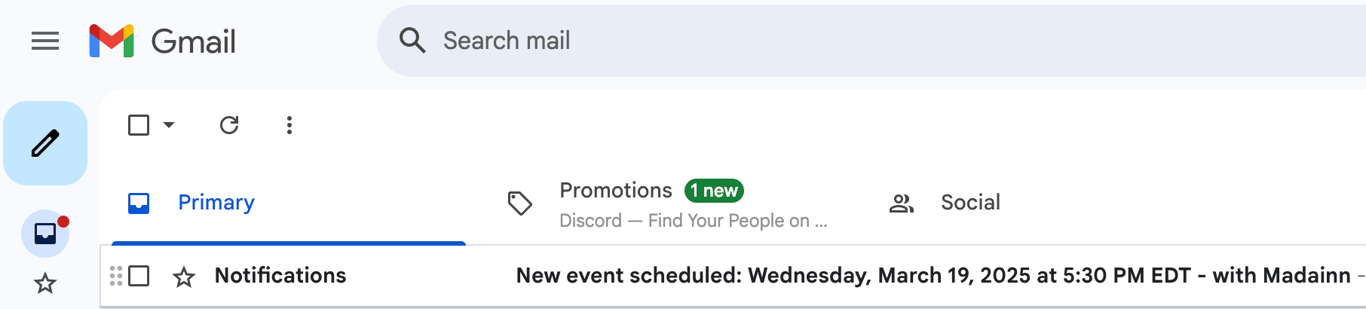 You will receive an email notification as and when members of your cohort book study hall time with you using your link!
 Made with Bullet